
Domain Name Suffix
by Andrew Reynolds, 18/04/2024
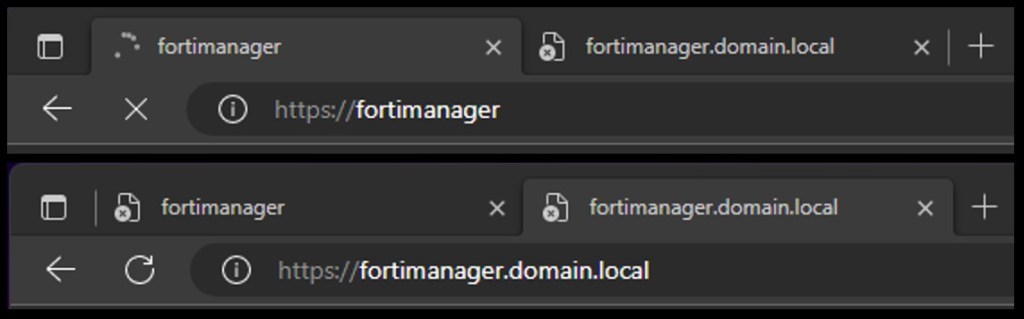
You can specify a domain name suffix in a DHCP address pool on the FortiGate DHCP server. With this suffix assigned, the client only needs to input part of a domain name, and the system adds the domain name suffix for name resolution. For example a client can type in https://fortimanager in their web browser to access your FortiManager instance, instead of the FQDN of https://fortimanager.domain.local
In FortiOS (current as of April 2024) this is configured via the CLI
Configuration
config system dhcp server
    edit <#>
        set domain <domain suffix>
In a full context this would be
config system dhcp server
    edit 1
        set domain "lab.example.com"
        set default-gateway 192.168.1.1
        set netmask 255.255.255.0
        set interface "port1"
        config ip-range
            edit 1
                set start-ip 192.168.1.100
                set end-ip 192.168.1.200
            next
        end
        set dns-server1 8.8.8.8
        set dns-server2 8.8.4.4
    next
end


 FCX Study Group
Leave a comment